
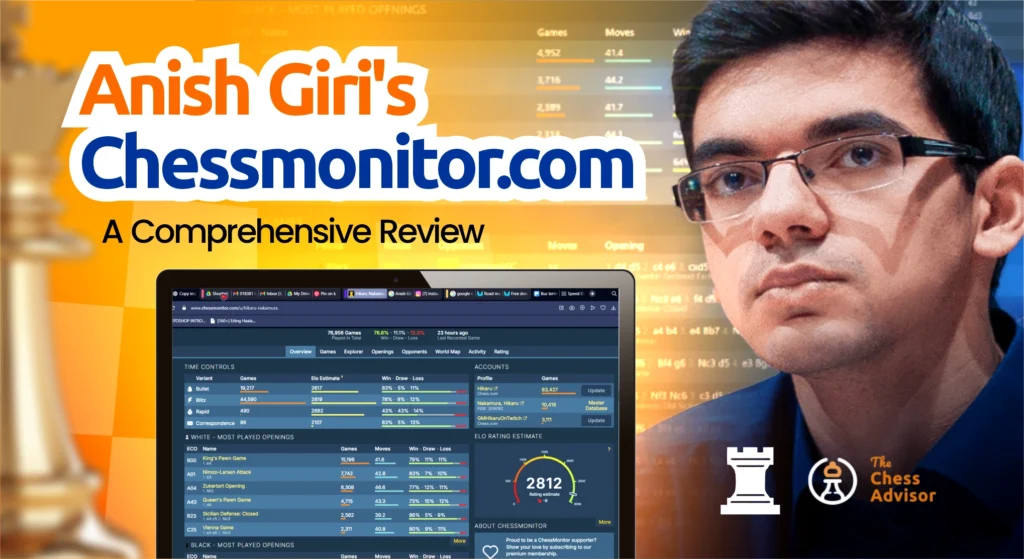
In the data-driven era, chess players want to see more than just win-loss records; they want insights.
ChessMonitor, supported by Anish Giri, compiles your games from Lichess.org, Chess.com, and PGN files into a unified dashboard.
But does it really live up to its promise of being a “one-place stop place or analytics for chess players”
This article is a detailed review of what ChessMonitor gets right and what it can still do better.
Overview and Purpose
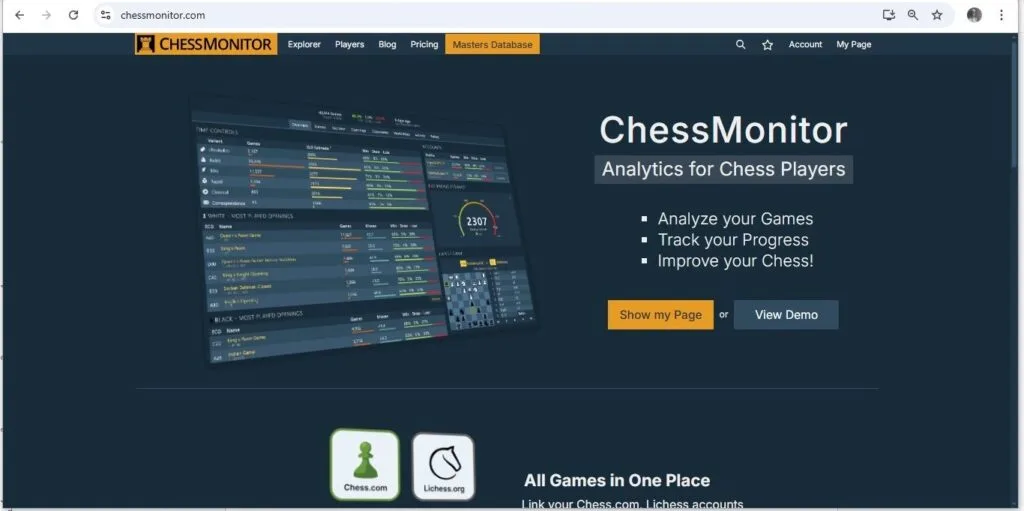
ChessMonitor is a free online tool that helps players track and visualise their progress in chess.
When compared to Chess.com Insights or Lichess Stats, ChessMonitor’s strength lies in cross-platform support. They allow users to view games from the two largest chess websites in one place.
Whether you are trying to refine your opening repertoire, check rating performance, or other trends, the platform provides clarity on your chess progress.
Features and Functionality
ChessMonitor offers tools for analysing data, enabling chess players to track their progress and enhance their skills. This helps track chess progress and improve chess-playing strength for players of all playing levels.
Overview Page
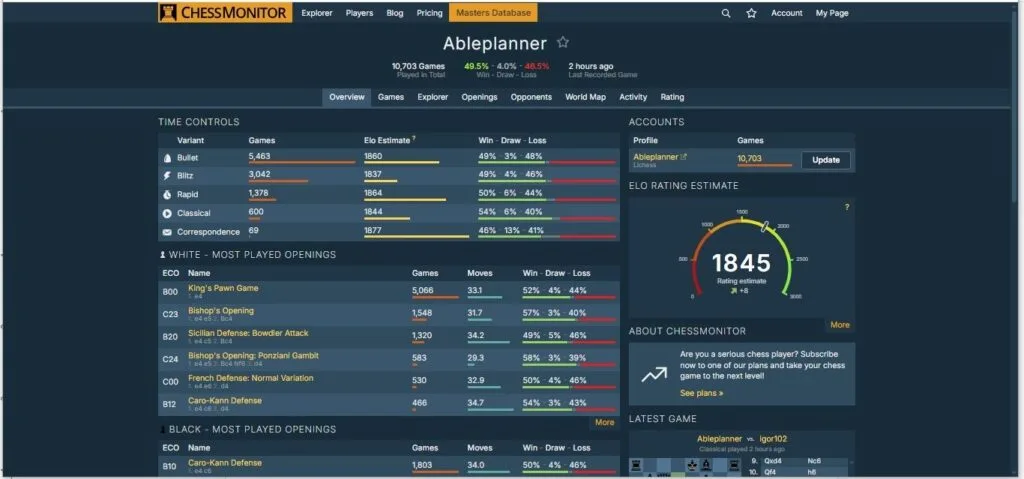
On the Overview page, you can easily check:
- Win/draw/loss ratio based on time control
- Elo estimate
- Most Played Openings: For both White and Black, also with the win
- Latest Games: The overview page also shows at a glance the latest games played. You can easily check the games for analysis on ChessMonitor.
Games Manager
A standout feature of ChessMonitor is the seamless ability to review games played on both Lichess and Chess.com within a single dedicated page.
There are also filter options to check based on factors such as the player’s strength, game result, and time control, among others.
Aside from that, there are also handy PGN management options. You can easily import a PGN file or export your games as one.
Analysis Page
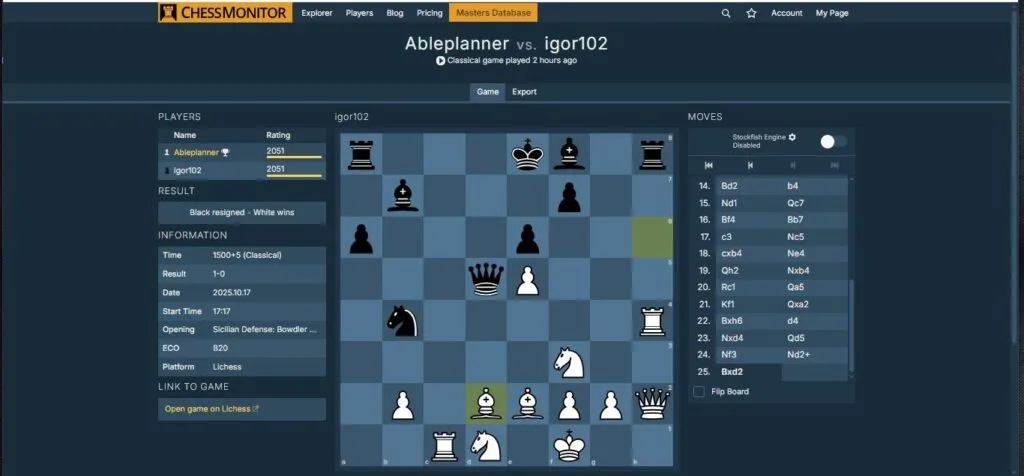
The analysis features on ChessMonitor.com meet the high standards expected from a chess analysis website. Apart from that, there are also solid customisation options for the engine in use.
You can easily follow the best practices for using Stockfish by
- Choosing the Engine Type
- Deciding on Memory Options
- Engine Depth
- Threads
- Number of Lines
Explorer
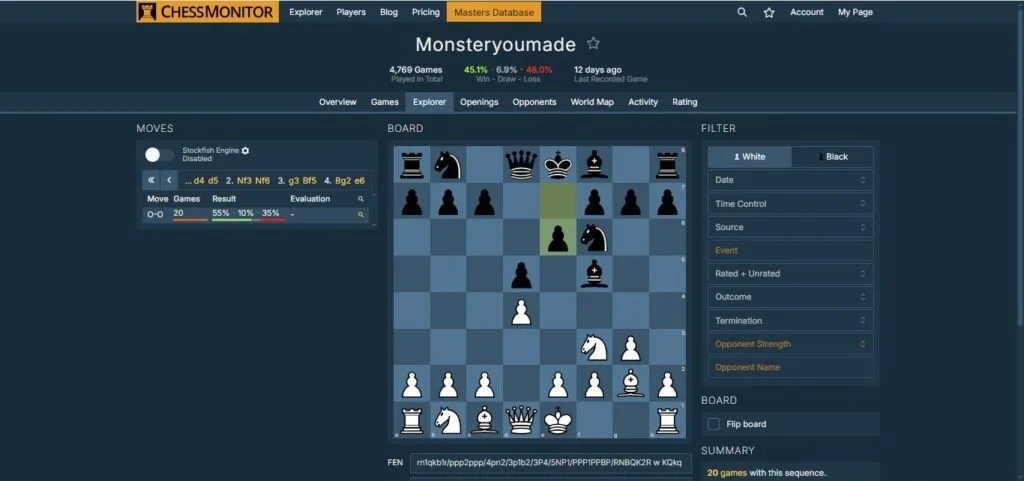
ChessMonitor also has a very handy Explorer. For players working on expanding and improving their play, this is a handy feature.
You can easily see where you go wrong in your games. This is useful for fixing up weaknesses in one’s play.
Openings
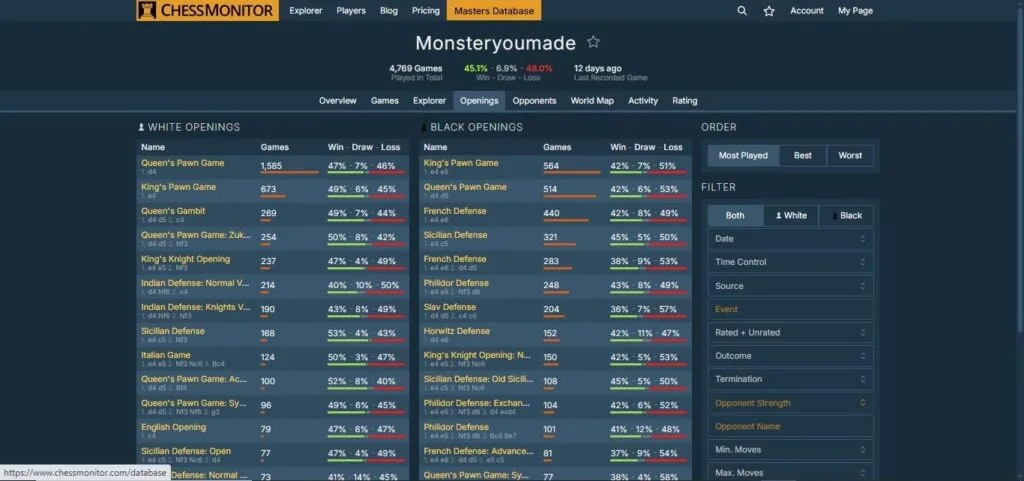
This is perhaps one of my favourite features on ChessMonitor.com. The website shows at a glance the openings you play.
With statistics like win/draw/loss ratios across several openings, any chess player will find this helpful in figuring out where one’s strength lies and what opening to improve knowledge on.
The Openings feature also effortlessly combines with the Explorer. Of course, they include several filter options, like rated or unrated, time control, player’s strength, minimum and maximum moves, outcomes, etc.
Opponents
Ever wondered who your most faced player is? Or who is the most popular player you have played against? ChessMonitor includes the unique feature of making opponent stats available.
The World Maps is also another welcome addition. The analytics of which country you play based on opponents and game count is another interesting feature unique only to ChessMonitor.
Activity Log
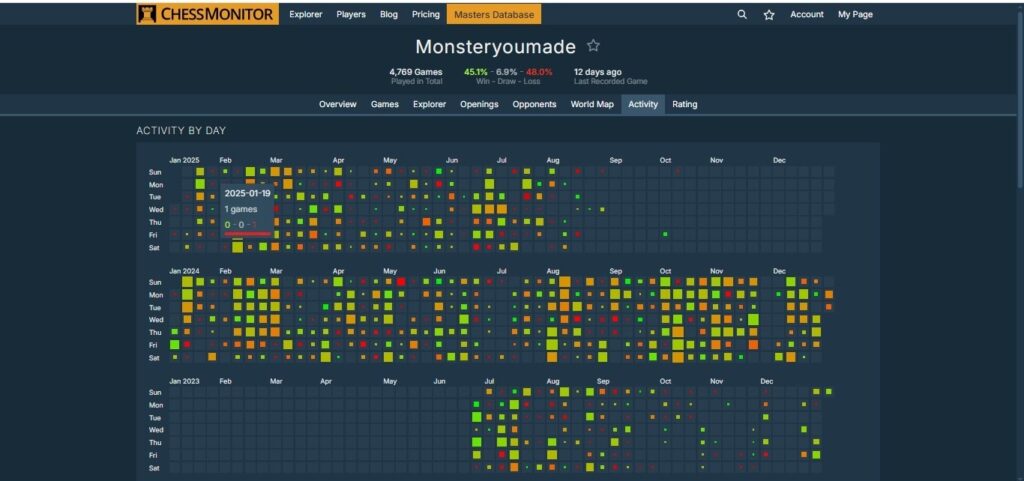
This is a visual representation showing one’s chess activity. For instance, I could check and know which month I was inactive and when I was most active.
This is useful to keep track of chess-playing habits.
Rating Tracking
Using statistics, ChessMonitor provides a FIDE rating estimate based on games. This is handy for online players who want to estimate their playing strength.
Aside from that, they provide customisation options to check graphs based on time control, alongside other features.
If there is any one feature you should check out first, this is it.
User Experience
ChessMonitor has a clean and data-focused interface. Navigation is straightforward with tabs for Games, Openings, and Analytics, making it easy to find key insights.
The minimalistic and straightforward design keeps one’s attention on statistics rather than unnecessary visuals.
Although the initial game sync for first-time users can take some time, especially if you have thousands of games.
Once set up, the platform runs smoothly. A limitation is the incorrect handling of opening transpositions, which could affect specific opening statistics. Still, this is just a minor nitpick.
Pros and Cons
Pros:
- Integrates data from Chess.com, Lichess, and PGNs
- Detailed breakdown by opening, rating, and time control
- Clean, statistics-oriented interface
- Regular updates and developer transparency
- Completely free (for now) with a premium option available.
Cons:
- Sync delays for large databases
- Occasional inaccuracies in opening detection
- No mobile app or offline mode
- Lacks some social features (like sharing analytic reports)
Anish Giri’s Ownership and Room for Growth
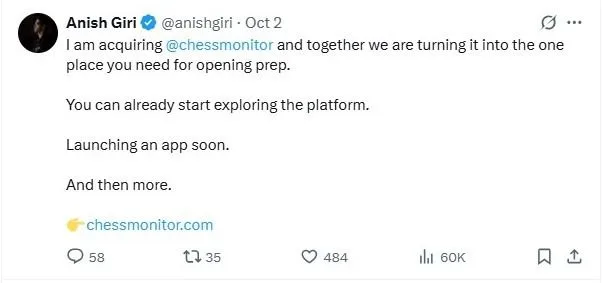
Anish Giri supported ChessMonitor before acquiring the company in October 2025. However, in October 2025, he announced his acquisition of the company.
With a top player like Anish Giri on board, ChessMonitor is on track for further advancements and enhancements.
Verdict: A Hidden Gem for Serious Chess Players
ChessMonitor stands out as one of the most promising analytics tools available for chess players. It offers exceptional value to serious players looking to track their progress or improve their opening repertoire. Particularly, that it is free makes this one of the top platforms.
Although it doesn’t have the polish and scale of Chess.com insights, its cross-platform support and depth of analysis give it a unique edge.
Overall, for all ambitious players, ChessMonitor is absolutely worth trying.